
Grammarly vs QuillBot AI is a common comparison for people who want to write better, faster, and with fewer mistakes. Both tools use artificial intelligence to improve writing, but they are designed for different needs.
A college student in California may use an AI tool to polish an essay. A marketing professional in New York may need help rewriting website copy. A small-business owner in Texas may want to make emails sound more professional. A freelance writer may need both grammar correction and fast paraphrasing grammarly vs quillbot ai detector
This is where Grammarly and QuillBot become useful.
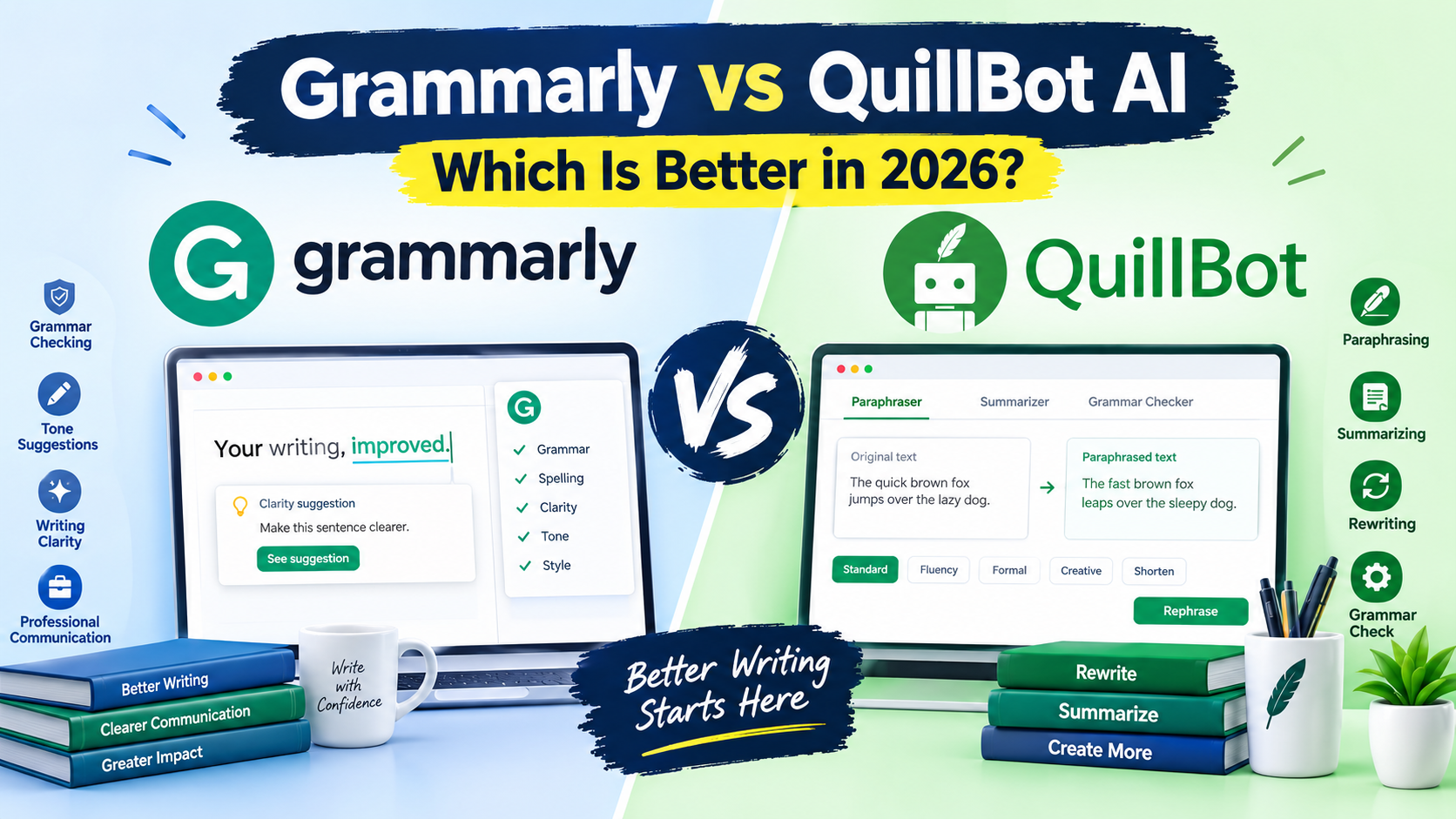
Grammarly focuses heavily on grammar, spelling, clarity, tone, and professional communication. QuillBot is particularly popular for paraphrasing, rewriting, summarizing, and changing the style of existing text.
The better choice depends on what you need.
Quick answer:
- Choose Grammarly for grammar, clarity, tone, and professional writing.
- Choose QuillBot for paraphrasing, rewriting, and summarizing.
- Choose Grammarly if you regularly write emails, business documents, and original content.
- Choose QuillBot if rewriting existing text is your main task.
What Is Grammarly vs QuillBot AI?
Grammarly and QuillBot are AI-powered writing assistants, but their core strengths are different.
What Is Grammarly?
Grammarly is an AI writing assistant designed to help users improve the quality of their writing. It can identify grammar mistakes, spelling issues, punctuation problems, clarity concerns, and style issues.
Grammarly is useful for:
- Business emails
- Blog posts
- Academic writing
- Reports
- Social media content
- Professional documents
- Marketing copy
For example, imagine a small-business owner writing an email to a potential customer. Grammarly can help identify awkward sentences and suggest a clearer, more professional version.
You can learn more about its current features on Grammarly’s official website.
What Is QuillBot?
QuillBot is an AI writing platform known for paraphrasing and rewriting text. It can help users change sentence structures while maintaining the original meaning.
QuillBot is useful for:
- Paraphrasing
- Summarizing
- Rewriting
- Grammar checking
- Improving sentence structure
- Academic writing support
For example, a student might have a paragraph that sounds repetitive. QuillBot can provide alternative wording that makes the paragraph easier to read.
More information about its features is available on QuillBot’s official website.
Grammarly vs QuillBot AI: Key Features
The biggest difference between these two tools becomes clear when you compare their primary features.
| Feature | Grammarly | QuillBot |
|---|---|---|
| Grammar checking | Excellent | Very Good |
| Spelling correction | Excellent | Very Good |
| Paraphrasing | Very Good | Excellent |
| Summarizing | Good | Excellent |
| Tone suggestions | Excellent | Good |
| Writing clarity | Excellent | Very Good |
| Sentence rewriting | Very Good | Excellent |
| Business writing | Excellent | Very Good |
| Academic writing | Very Good | Excellent |
| Ease of use | Excellent | Excellent |
| AI writing assistance | Excellent | Very Good |
Grammarly Features for Professional Writing
Grammarly is especially useful when the goal is to make writing correct, clear, and professional.
Important features include:
- Grammar and spelling suggestions
- Punctuation improvements
- Sentence clarity suggestions
- Tone detection
- AI-assisted writing
- Style improvements
- Professional communication support
A sales representative writing a customer email can use Grammarly to make the message sound confident without making it overly formal.
A content writer can also use it during the editing stage to find small mistakes before publishing an article.
QuillBot Features for Paraphrasing and Rewriting
QuillBot stands out when you already have text and want to rewrite it.
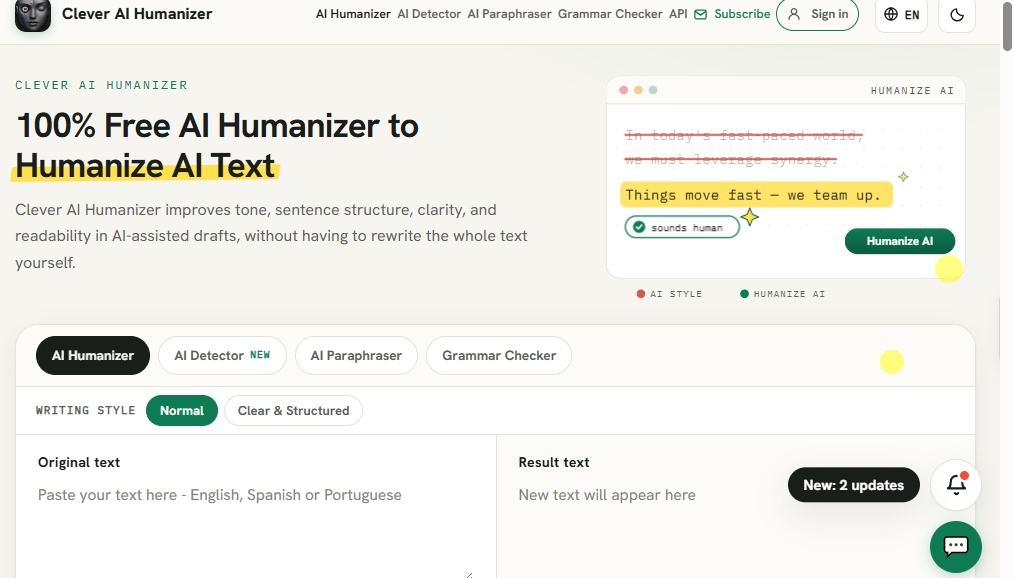
Its useful capabilities include:
- Multiple paraphrasing styles
- Grammar checking
- Summarization
- Sentence rewriting
- Citation-related tools
- Translation features
- Writing improvement
For example, a marketer may write one product description and then need several variations for different campaigns. QuillBot can help generate alternative versions while keeping the core idea.
Grammarly vs QuillBot AI for Students
Students have different writing needs depending on the assignment.
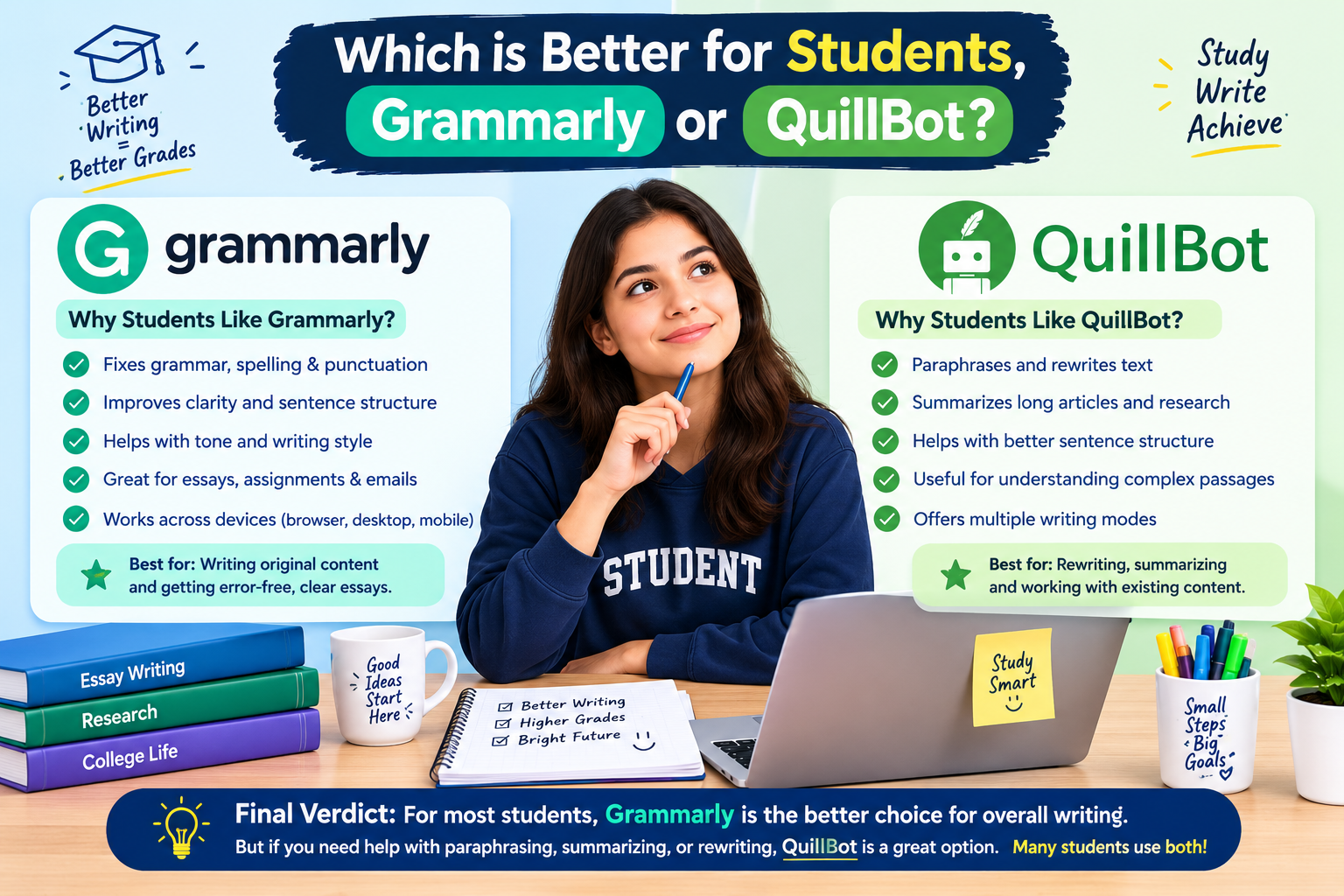
Grammarly can be helpful for checking grammar, spelling, punctuation, and clarity. QuillBot can be useful when students need to understand or rewrite complicated passages.
Best Choice for Essays
For proofreading an original essay, Grammarly is generally the stronger choice.
For rewriting sentences or summarizing research material, QuillBot can be more useful.
Students should still review every AI suggestion. AI writing tools can make mistakes, and blindly accepting generated text can reduce the student’s own voice.
Grammarly vs QuillBot AI for Businesses
Businesses often need writing that is clear and professional.
Grammarly has an advantage for:
- Customer emails
- Internal communication
- Marketing copy
- Reports
- Sales messages
- Professional documents
QuillBot can be valuable for teams that frequently rewrite or repurpose existing content.
Real-World Business Example
Imagine a U.S. ecommerce business preparing a product launch.
A marketing employee could use Grammarly to check an announcement for grammar and tone. QuillBot could then help create alternative versions of selected copy for different marketing channels.
The tools can therefore work together rather than always competing.
Pros and Cons of Grammarly
Grammarly Pros
- Excellent grammar checking
- Strong clarity suggestions
- Useful tone feedback
- Easy interface
- Strong professional-writing features
- Helpful for everyday communication
Grammarly Cons
- Some advanced features require a paid plan
- Paraphrasing is not its primary strength
- Users may receive more suggestions than they need
- Advanced AI features can require careful review
Pros and Cons of QuillBot
QuillBot Pros
- Excellent paraphrasing
- Useful rewriting modes
- Strong summarization features
- Helpful for academic writing
- Easy to use
- Good for repurposing existing content
QuillBot Cons
- Paraphrased text still requires human review
- Some advanced capabilities are limited by plan
- Rewriting can occasionally change the intended meaning
- It is not primarily designed as a complete professional proofreading system
Grammarly vs QuillBot AI: Performance Comparison
Performance depends on the type of writing task.
| Writing Task | Grammarly | QuillBot | Winner |
|---|---|---|---|
| Grammar | 9.5/10 | 8.5/10 | Grammarly |
| Spelling | 9.5/10 | 9/10 | Grammarly |
| Clarity | 9.5/10 | 8.5/10 | Grammarly |
| Paraphrasing | 8.5/10 | 9.5/10 | QuillBot |
| Summarization | 8/10 | 9/10 | QuillBot |
| Tone | 9.5/10 | 8/10 | Grammarly |
| Business writing | 9.5/10 | 8.5/10 | Grammarly |
| Academic rewriting | 8.5/10 | 9/10 | QuillBot |
| Ease of use | 9.5/10 | 9.5/10 | Tie |
Which AI Writing Tool Has Better Grammar?
Grammarly has the advantage for grammar-focused writing.
If your main concern is finding grammar, punctuation, spelling, and clarity problems, Grammarly is the better fit.
Which Tool Is Better for Paraphrasing?
QuillBot has the advantage for paraphrasing.
If you frequently need to rewrite sentences, change wording, summarize content, or create alternative versions, QuillBot is more specialized for that workflow.
Grammarly vs QuillBot AI Pricing
Pricing can change, so users should check the official websites before purchasing a plan.
| Tool | Free Option | Paid Option | Best For |
|---|---|---|---|
| Grammarly | Yes | Premium plans available | Grammar and professional writing |
| QuillBot | Yes | Premium plans available | Paraphrasing and rewriting |
Free versions can be useful for casual users. Paid plans make more sense for people who use these tools frequently for work, school, or content production.
Grammarly vs QuillBot AI: Which One Should You Choose?
The right tool depends on your primary writing problem.
Choose Grammarly If You:
- Write professional emails
- Create business documents
- Publish blog posts
- Want stronger grammar checking
- Need tone suggestions
- Want clearer sentences
- Communicate with customers regularly
Choose Both If You Create Content Regularlys
Some writers do not need to choose only one.
A practical workflow could look like this:
- Write the original content.
- Use QuillBot when a sentence needs rewriting or summarizing.
- Review the rewritten version manually.quillbot vs grammarly which is better
- Use Grammarly for grammar, clarity, and tone.
- Perform a final human edit.
- Publish the finished content.
This workflow can be useful for bloggers, marketers, students, and small-business teams.
FAQs About Grammarly vs QuillBot AI
1. Is Grammarly better than QuillBot?
Grammarly is generally better for grammar, clarity, tone, and professional communication. QuillBot is stronger for paraphrasing, rewriting, and summarizing.
2. Is QuillBot better for paraphrasing?
Yes. Paraphrasing is one of QuillBot’s main strengths. It can provide different versions of text while attempting to preserve the original meaning grammarly vs quillbot vs wordtune
3. Which is better for students, Grammarly or QuillBot?
Both can help students. Grammarly is useful for proofreading and improving clarity, while QuillBot can help with paraphrasing and summarization. Students should review AI suggestions and follow their school’s academic-integrity policies.
4. Can Grammarly and QuillBot be used together?
Yes. A writer can use QuillBot for rewriting and Grammarly for proofreading. Using both can create a useful editing workflow.
5. Which AI writing tool is better for businesses?
Grammarly is usually the stronger choice for businesses that focus on emails, customer communication, reports, and professional writing. QuillBot can be valuable when a business frequently needs to rewrite or repurpose existing content.
Conclusion: Grammarly vs QuillBot AI — Who Wins?
Grammarly wins for overall writing quality, grammar, clarity, tone, and professional communication. QuillBot wins for paraphrasing, rewriting, and summarization.
There is no universal winner because the tools solve different writing problems.
For a U.S. professional who writes emails, reports, marketing material, and business documents, Grammarly is the better overall choice.
For a student, researcher, blogger, or content creator who frequently rewrites and summarizes text, QuillBot can be the better option.quillbot vs grammarly which is better
Before purchasing either service, compare the current plans and features on their official websites because pricing and AI capabilities can change over time.