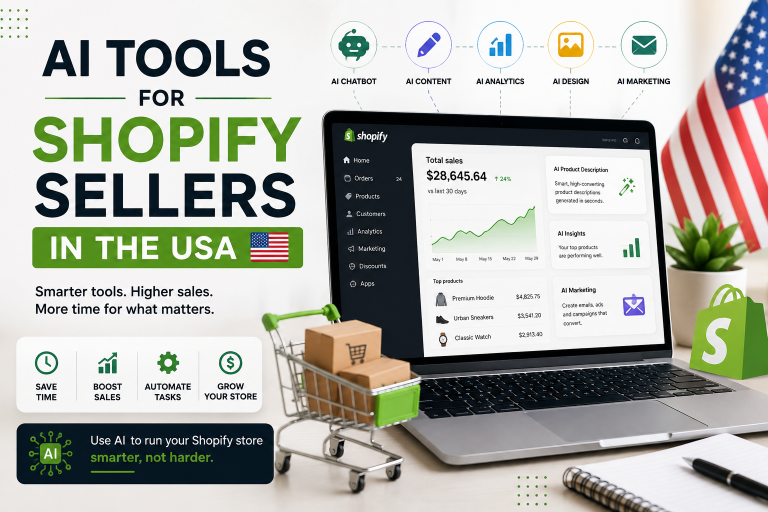
AI tools for small businesses are changing how American entrepreneurs handle marketing, customer service, bookkeeping, content, and daily operations. A small company may not have a large marketing department, an IT team, or a full-time accountant. AI can help one person handle work that once required several hours or multiple software subscriptions.
A local home-services company, for example, can use AI to write service-page content, answer common customer questions, organize leads, create social media posts, and summarize sales information. A small online store can use AI for product descriptions, email campaigns, customer replies, and basic business analysis.
The goal is not to replace people. The goal is to remove repetitive work and give owners more time for customers, sales, and growth.
Recent 2026 business coverage shows AI moving deeper into everyday business workflows, with small companies increasingly using AI for content, automation, bookkeeping, customer support, and scheduling.
What Are AI Tools for Small Business?
AI tools for small business are software platforms that use artificial intelligence to help entrepreneurs complete business tasks faster or with less manual work.
Common uses include:
- Writing emails, blogs, ads, and social posts
- Creating images and marketing designs
- Answering customer questions
- Managing leads and customer information
- Automating repetitive workflows
- Tracking expenses and business finances
- Summarizing meetings and documents
- Analyzing business information
- Building websites and marketing campaigns
- Generating ideas for products and services
The best AI solution depends on the type of business. A restaurant may need marketing and customer-service AI. A contractor may benefit more from CRM and automation. A freelancer may need writing, design, and productivity tools.
Best AI Tools for Small Business USA
1. ChatGPT — Best Overall AI Assistant
ChatGPT Business is a strong all-purpose choice for small business owners.
It can help create marketing plans, write customer emails, brainstorm offers, summarize documents, analyze information, prepare sales scripts, and support coding or technical tasks.
Best for:
- Business writing
- Marketing ideas
- Research
- Customer communication
- Data analysis
- Planning
- Brainstorming
Real-world example: A Dallas-based cleaning company could ask ChatGPT to create five Google Business Profile posts, a seasonal promotion, customer follow-up emails, and a 30-day social media calendar.
ChatGPT Business currently lists Standard seats at $20 per user per month when billed annually or $25 monthly. Premium seats are listed at $100 annually billed monthly or $125 monthly. A Business workspace requires at least two paid seats.
2. Canva — Best for AI Marketing Design
Canva is useful for small businesses that need professional-looking visual content without hiring a designer for every project.
Business owners can use Canva for social media graphics, flyers, presentations, advertisements, videos, brochures, and branded content. Its AI-powered features can speed up content creation.
Best for:
- Social media graphics
- Flyers
- Presentations
- Short videos
- Advertising creatives
- Brand materials
Real-world example: A small bakery in Chicago can create Instagram posts for new products, promotional flyers for holidays, and simple menu graphics from one design platform.
3. Zapier — Best AI Automation Tool
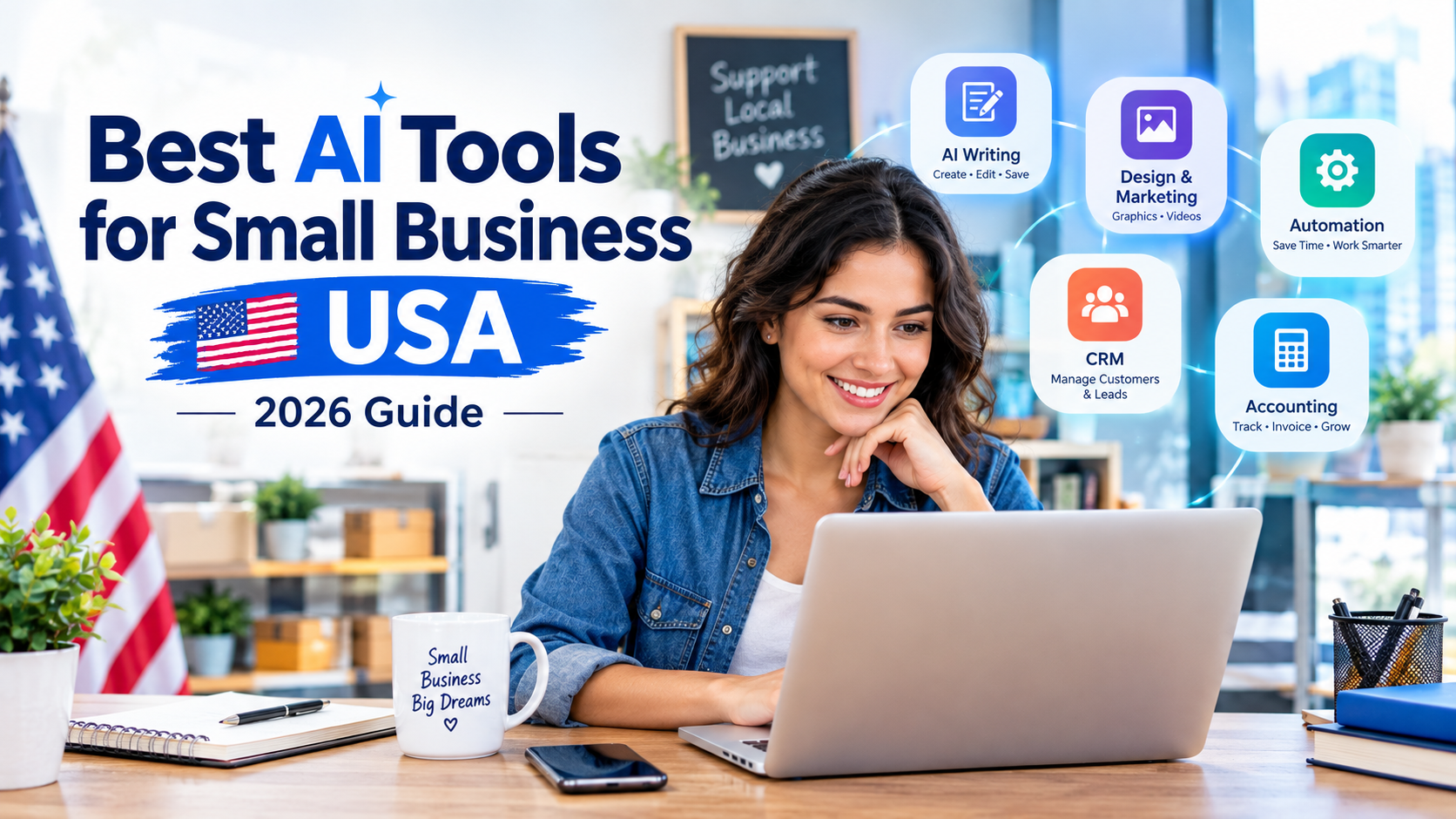
Zapier connects different business applications and automates repetitive tasks.
A business can create a workflow where a website form creates a CRM contact, sends an email notification, adds the customer to a spreadsheet, and starts a follow-up process.
Zapier’s Professional plan starts at $19.99 per month when billed annually. The plan includes multi-step workflows, premium apps, webhooks, AI fields, and conditional form logic.
Best for:
- Lead automation
- Email workflows
- CRM updates
- Form automation
- App integrations
- Repetitive business processes
4. HubSpot — Best AI CRM for Small Businesses
HubSpot CRM helps small businesses organize customer relationships, leads, sales opportunities, and marketing activity.
Also, its free CRM includes contact management, deal pipelines, CRM import, reporting, and an AI assistant.
Best for:
- Lead management
- Sales pipelines
- Customer records
- Marketing
- Customer service
- Business reporting
Real-world example: A small roofing company can store every prospect in its CRM, track estimates, record follow-ups, and organize customers by sales stage.
HubSpot’s current pricing page lists free tools at $0 and Starter Customer Platform pricing from $7 per seat under its current promotional pricing structure.
5. QuickBooks — Best AI Accounting Tool
QuickBooks can help categorize expenses, create reports, manage invoices, track income, and provide financial insights. Its current Simple Start plan is listed at $38 per month before promotional discounts.
Best for:
- Bookkeeping
- Expense tracking
- Invoicing
- Financial reports
- Tax preparation support
- Cash-flow visibility
Real-world example: A freelance photographer can connect business transactions, categorize expenses, send invoices, and review profit-and-loss reports without maintaining multiple spreadsheets.
AI Business Tools Feature Comparison
| AI Tool | Best Use | Automation | Ease of Use | Best For |
|---|---|---|---|---|
| ChatGPT | Writing and business tasks | High | Excellent | Most businesses |
| Canva | Design and marketing | Medium | Excellent | Creators and retailers |
| Zapier | Workflow automation | Excellent | Very Good | Growing businesses |
| HubSpot | CRM and sales | High | Very Good | Sales teams |
| QuickBooks | Accounting | High | Very Good | Small businesses |
Pros and Cons of AI Tools for Small Business
Pros
- Save time on repetitive tasks
- Reduce manual administrative work
- Create marketing content faster
- Improve customer response times
- Automate workflows between applications
- Help small teams compete with larger companies
- Support business decisions with data
- Reduce the need for multiple manual processes
Cons
- AI can produce incorrect information
- Subscription costs can increase as usage grows
- Employees need basic AI training
- Sensitive business information requires careful handling
- AI-generated content can sound generic without editing
- Automation can create problems if workflows are configured incorrectly
AI should support human judgment. Business owners should review important financial, legal, medical, employment, and customer-facing information before using it.
AI Tools for Small Business Performance Comparison

Performance depends on the job. A writing assistant may be excellent for marketing but poor for bookkeeping. An accounting platform may be excellent for financial records but unnecessary for a simple content creator.
| Tool | Writing | Marketing | Automation | CRM | Finance |
|---|---|---|---|---|---|
| ChatGPT | 5/5 | 5/5 | 4/5 | 3/5 | 3/5 |
| Canva | 3/5 | 5/5 | 3/5 | 1/5 | 1/5 |
| Zapier | 2/5 | 4/5 | 5/5 | 4/5 | 3/5 |
| HubSpot | 3/5 | 5/5 | 5/5 | 5/5 | 2/5 |
| QuickBooks | 2/5 | 2/5 | 4/5 | 3/5 | 5/5 |
These ratings are practical editorial scores based on the primary business use of each platform, not laboratory benchmarks.
AI Tools for Small Business Pricing
| Tool | Entry Option | Main Small-Business Value |
|---|---|---|
| ChatGPT Business | $20/user/month annually | AI assistant and team workspace |
| Canva | Free option available | Design and visual marketing |
| Zapier | Free option available | Workflow automation |
| HubSpot | Free option available | CRM and customer management |
| QuickBooks | $38/month list price for Simple Start | Accounting and invoicing |
Pricing can change, promotions can expire, and some platforms charge according to seats, usage, contacts, tasks, or AI credits. Check the provider’s current pricing page before purchasing. ChatGPT Business, Zapier, HubSpot, and QuickBooks publish their current pricing online.
How to Choose the Best AI Business Software
A small-business owner should start with the biggest time-consuming problem instead of buying every AI product available.
Ask these questions:
- What task takes the most time every week?
- Which task is repetitive?
- Which process causes the most mistakes?
- Does the business need more leads or better follow-up?
- Is content creation slowing down marketing?
- Is bookkeeping taking too much owner time?
- Which existing apps need to communicate with each other?
A solo consultant may only need ChatGPT and Canva. A growing service business may benefit from ChatGPT, HubSpot, and Zapier. A retail business may need Canva, QuickBooks, and an automation platform.
A smaller tool stack is often easier to manage than ten disconnected AI subscriptions.
Real-World AI Small Business Workflow
Consider a fictional Texas landscaping company called Green Yard Pros.
A potential customer submits a quote request on the website.
- The form sends the lead to HubSpot.
- Zapier creates an automated follow-up task.
- ChatGPT helps prepare a personalized response template.
- The sales employee contacts the customer.
- HubSpot records the sales conversation.
- QuickBooks handles the invoice after the job.
- Canva creates seasonal promotional graphics.
The owner does not need AI to run the entire company. AI handles repetitive steps while employees handle relationships, estimates, service quality, and final decisions.
Internal and Outbound Link Strategy
For an SEO-focused website, add internal links to related articles such as:
- Best CRM Software for Small Business
- How to Automate Small Business Tasks
- Best Accounting Software for Small Business
- AI Marketing Tools for Local Businesses
- How to Use ChatGPT for Business
Use descriptive anchor text rather than generic phrases such as “click here.”
Useful outbound links should point to official product pages, documentation, and pricing pages. Examples include OpenAI Business Pricing, Zapier Pricing, HubSpot CRM, and QuickBooks Pricing.
FAQs About AI Tools for Small Business
What are the best AI tools for small business?
ChatGPT is the best overall option for many businesses because it can support writing, research, planning, analysis, and customer communication. Canva, Zapier, HubSpot, and QuickBooks are strong choices for specific business needs.
Are AI tools worth it for a small business?
Yes, when an AI tool solves a real business problem. A tool that saves several hours every week can provide meaningful value. Businesses should measure time saved, output quality, and additional revenue rather than buying AI software because it is popular.
Can AI replace employees in a small business?
AI can automate certain repetitive tasks, but it does not replace the need for human judgment, customer relationships, leadership, creativity, and accountability. The strongest approach is usually human work supported by AI.
What is the cheapest AI tool for a small business?
Several platforms offer free versions, including Canva, Zapier, and HubSpot. Free plans can be enough for a new business testing AI. Paid plans become useful when a company needs higher limits, advanced automation, additional users, or premium features.
How should a small business start using AI?
Start with one repetitive task. Choose a tool that solves that problem, create a simple workflow, measure the results, and expand only when the first use case works. This approach controls costs and reduces unnecessary complexity.
Conclusion:
The best AI tools for small businesses depend on the business model, but ChatGPT is the strongest overall starting point for most American small businesses because of its broad range of uses.
ChatGPT wins for general business productivity. Canva wins for visual marketing. Zapier wins for automation. HubSpot wins for CRM and sales management. QuickBooks wins for accounting and financial organization.
A smart USA small-business AI strategy does not require dozens of subscriptions. Start with one important problem. Pick one useful tool. Measure the time or money saved. Add another tool only when there is a clear business reason.